Here’s a quick blog post on how to fix issues you might have connecting to a Citrix access layer where you’ve got 2FA via Duo/Okta/etc in place
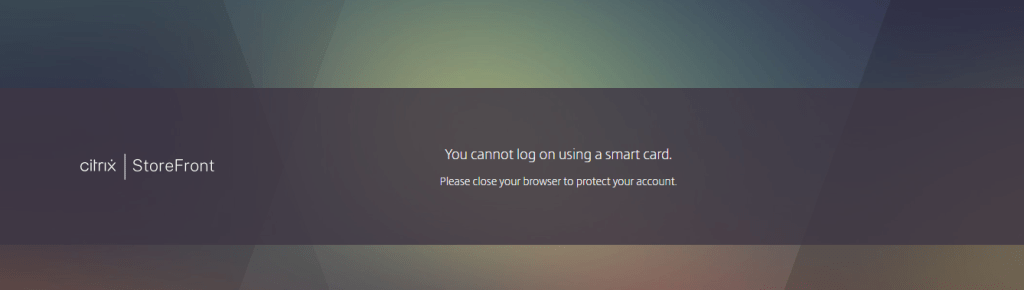
After putting in your 2FA info, you might see the following on the StoreFront page
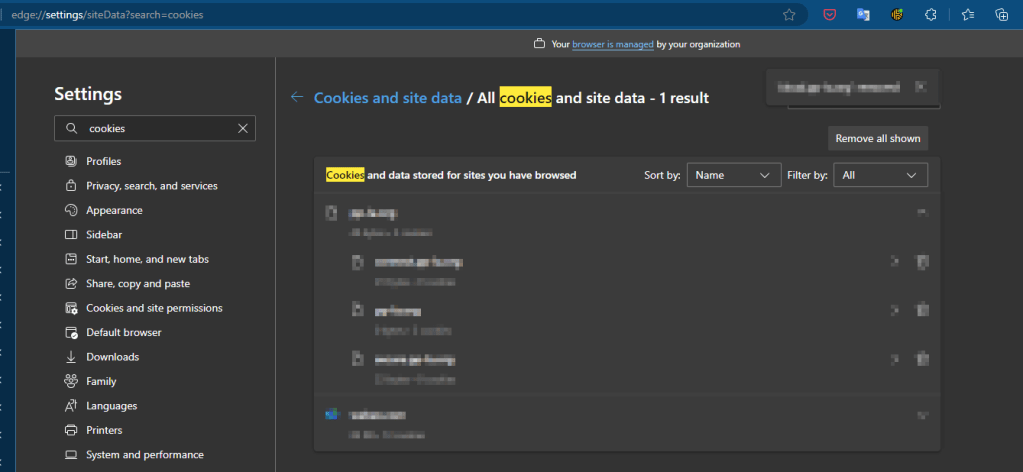
Within your browser, copy/paste in the following
For EDGE
edge:/settings/SiteData?Search=cookies
For Chrome
chrome://settings/siteData?search=cookies
Search for the related access layer URL, such as ctxaccesslayer.clientfqdn.com
hit the remove / garbage bin on each entry found
Repeat for any entries related to the actual 2FA provider , OKTA/DUO/etc
Close the browser, re-open and try again
Update for July 6, 2023
While on vacation in the states, I had a reply to my Linkedin post, advising of a possible permanent fix. I’ve not actually tried this fix , but Mads is a trusted source in the CTX community, so despite the error not lining up exactly, i’ll take it!
https://support.citrix.com/article/CTX227673/please-close-your-browser-to-protect-your-account
 Owen Reynolds Personal blog