Intro
For the past 2 years, I’ve had the opportunity to work on a number of interesting and challenging assessments for Citrix and VMware environments. Some of these assessments have been tied to a Citrix implementation , where we need to collect information to write the migration plan. Others have been proactive, where the client is has engaged me to evaluate the current health, security and long-term scalability of their VMware vSphere environment
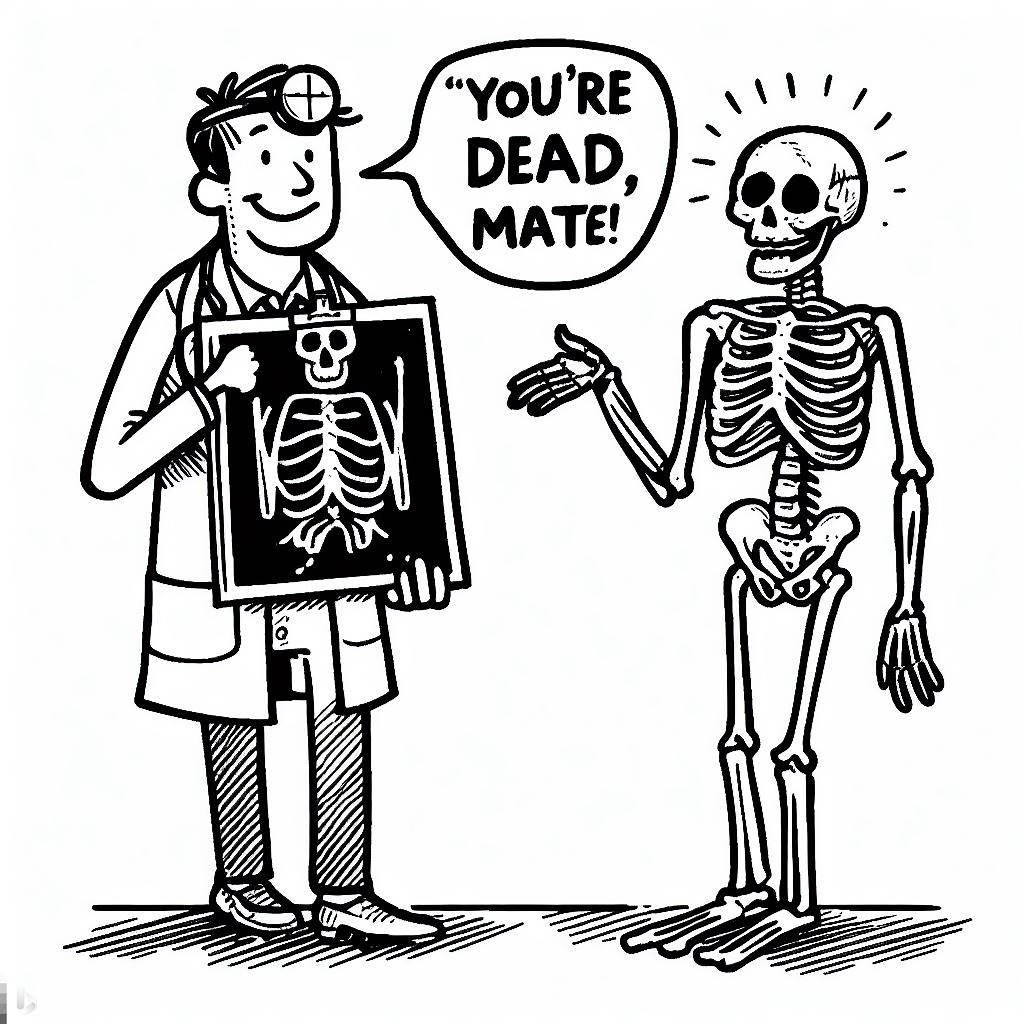
The end state of the assessment always features a presentation of the results to the client, there is usually a lot of data, a lot of it is not good news. This blog post covers the human side of IT, how to compassionately present bad news to a client. That being said, I am a glass half full type of guy, part of my strategy for delivering the bad news, is to focus on the good news. Even if the foundation of their house is cracked, we can save it!
My background
Prior to getting started with IT consulting in 2017, I was a staff-person for a very large Canadian financial institution for 12 years. For any large org, scheduled and random IT audits are essential for compliance and long-term sustainability of the environment
A lot of folks inside the org I was working for lived in fear of the auditors who would come in with actual green and red pens in their reports

During my time with the org, I didn’t personally meet any of these auditors, but the stress was palpable when they were around ; Upper / middle management would send out fire-call emails to prepare for their arrival, and get everybody fired up. Stress can trigger the fight or flight response, but that only lasts for an hour. After that hour is up, and you’re still stressed, you’re probably not going to be able to plow through the latest audit request to document all those windows/unix service accounts any faster.
Seeing the emotional impact of the yearly audits while I was with this org , prepared me for the time I would be the outside person doing the environmental audit. I approach the process with based on a basic level understanding on emotional intelligence , here’s a brief definition on EQ
Emotional intelligence (otherwise known as emotional quotient or EQ) is the ability to understand, use, and manage your own emotions in positive ways to relieve stress, communicate effectively, empathize with others, overcome challenges and defuse conflict. Emotional intelligence helps you build stronger relationships, succeed at school and work, and achieve your career and personal goals. It can also help you to connect with your feelings, turn intention into action, and make informed decisions about what matters most to you.
During the various environmental audits I’ve done over the past 2 years, I will tag all types of issues. Presentation of this data without historical context or a properly qualified impact statement could be embarrassing for operators and management within the client’s organization structure. This is where basic EQ comes into play.
I’m active on LinkedIn, Twitter and I swear, pure IT security folks make their living from scaring people, using loaded clickbait titles that often aren’t fact-checked or provided with an impact context. This is not how I work. I don’t see “RED” with every issue. Humans interacting with complex systems will lead to settings drift, and leave ways for the bad guys to get in or performance issues. At the end of the day, we’ve been asked to help, using the FUD system isn’t going to help anyone
Fear: If you don’t do this, your ESXi hosts will get hacked
Uncertainty: I don’t think your SAN is capable of handling this many automated snapshots
Doubt: I don’t understand how you’re still running XenApp / XenDesktop version 7.x
Communicating by way of fear mongering isn’t the right approach. In the next section I’ll cover presentation strategy, both written and verbal
Understanding the client
To present a sympathetic report, you want to slow your roll , take a step back, and review some of the possible culprits for the current state of the client’s IT environment. Here are a few:
Staffing changes / environment ownership
Recognizing that ownership for the client’s environment has probably passed between lots of different technical staff along with multiple managers over the years is key to understanding the current state of the environment. From experience, the average number of people who’ve touched any Citrix / VMware environment I’ve audited over the past 2 years is about 10 people per year (networking, server admins, storage, hosting, managers), so, if I do the audit 3 years later, that’s 30 people who’ve touched the environment, how many are still there? During the pandemic, IT job exodus was wild, it’s unlikely that the people who forgot to set anti-affinity rules on their MS active directory controllers are still there
Bottom line ; the past is the past, mistakes get made, and transitioning environments during staff changes creates gaps. Whatever issues you find, they probably won’t be presented to the person that originally made them
Built-in methods to check environment health are lacking / default settings are a problem
This blog post is not about the specific steps you’d perform as part of Citrix/VMware/MS audits, as that’s far too complex. However, to give you some ways to explain why the client’s environment might have some undetected issues, we have a common culprit that comes from the vendors default implementations, and the built-in tools provided by the big 3 (MS/Citrix/VMware) are lacking when it comes to a cursory view of your environment
You could have a critical service down on an CTX DDC, an MS AD controller or vCenter instance, and not really have any idea opening the related Citrix studio, AD consoles or vSphere web-client. Citrix doesn’t provide a “single pane of glass” for health checks on cloud/on-prem Citrix setups, director is a web-app that needs to be logged in to manually each day and Studio doesn’t provide much in the way of critical alerts when you open it, outside of licensing issues. You could have a TLS cert that’s about to expire on your studio hosting connection, and not known until you can’t view real-time power status on your VDAs, for instance
vCenter/ ESXi related error messages are often obtuse and mis-leading. With the various versions of vSphere over the years, a copy/paste of an error shown inside vCenter to search it via Google might end up with a dead link , same for Citrix Studio or Microsoft server manager, AD, GPMC, etc
VMware SkyLine health is great, but as I found in a recent review of a client with 3 datacenters, you can run into a catch-22, where active vSphere errors aren’t being reported, as the Skyline health service has stopped reporting back on the ESXi said to the parent vCenter. You have to dig into the each ESXi host to manually re-run SkyLine health
vSphere ESXi is especially bad for defaults that will impact scalability. New VMs will be created with legacy type network / SCSI controllers, power settings on the ESXi side will be set to balanced. A lot of companies don’t have dedicated hosting staff to review these defaults. I can’t explain why VMware keeps these defaults, but I am sympathetic to staff that leave them in place
NUMA alignment is poorly understand, even I need a refresher on it once a year or so. Clients will ramp up vCPU counts by increasing sockets when they should be increasing virtual cores
Presentation / reporting strategy
First and foremost, avoid sitting on any critical alerts you find when you start your assessment. These should be addressed immediately with the client. Your final report can indicate them as tagged, but closed, which helps with the overall health report – keep in mind, the final report will probably be shared with management on at least one meeting, and then shared again via email to executives. If you act quickly on major issues, this will have the following benefits
- Gives extra time on final presentation to focus on proactive items
- Reduces the amount of follow-up items that the client’s staff will need to deal with when your consulting work finishes
- Makes for a less embarrassing situation for the client when the final report is presented in front of management ; you don’t want a situation where you’re showing a report that states that the TLS cert on their Citrix StoreFront server / vCenter appliance expires 2 days from date of your report ; I actually had this happen to me earlier in the year, I was slated to assess an environment, and one of their vCenter appliances had an expired TLS cert, which I called out, and immediately started working on
Think of your role here as similar to a mechanic. Mechanics are the SMEs for cars. Modern cars are complex systems, like a datacenter, they’ve got multiple sub-systems, and required specialized skills to asses and troubleshoot. You’ve been asked to find a problem or help plan an upgrade or plan for the future. How many times have you been to a dealer/franchise mechanic only to be sold a bunch of repairs you don’t need based on the statement “If you don’t take care of X, you’ll be left stranded on the side of the road when X breaks”. Deliver the assessment as a trusted SME, not as a fear monger.

The actual report can be in whatever format you want ; PDF, Wiki, Word. You can include a scoring system if you want, I don’t do this. Instead, I tag items in the report with a (!) for easier navigation in the TOC. You could use medium/high definitions as well. Regardless, keep in mind the report will be read by admins/engineers who will address the items you found, as well as management. My reports are generally 40+ pages per datacenter, so, having kind of high-level details is useful as your report is shared up the chain
As I mentioned in the intro related to EQ, the folks responsible for whatever items you’ve tagged might be on the final meeting where you’re presenting your results, be tactful, be respectful. There is no need to embarrass anyone. A very long time ago in another job, I worked with a person who would often refuse to work on client systems until they fixed all their issues, using the analogy that they needed to ‘clean their house’ before they would work on it. I don’t agree with this strategy, IT systems are complicated, you’ve been asked to help, do your best to execute without judgement
For odd event IDs / errors noted, reference the related KBs from MS/VMware/Citrix, and if the KB is long and obtuse, such as this MONSTER from VMware on the side-channel aware scheduler mitigation, you’ll want to help summarize it , along the ones of “this is the real-world impact of CVE, KB XYZ”
Your client might have some of the issues noted due to not being able to implement the fix. If that is the case, offer to re-engage them post report presentation to assist with actual implementation steps
Be prepared to answer questions on what you found. My own assessment method for VMware environments uses as a mix of manual checks and PowerShell based scripts (such as this script on my Github). You should be ready to provide answers on “why is X like this?”, “how did X become Y” etc
Allow others to speak immediately after presenting each item. This might be personal preference , some folks will want the Q & A at the end and not want to be interrupted. To me, that more of a one-sided presentation, this should be a discussion. Within reason, take live questions and answer them as best you can
Closing
To close out each assessment presentation, I like to focus on the positive, and will include a check-list of items at the DATA CENTER level that represent good news. This might be mentions of redundancy at the network switch/power level for ESXi hosts , a full DR environment for Citrix, or multiple MS AD domain controllers, or that they’ve got a tool to track TLS cert expiration, a common pain-point in any environment 😂
Closing
I’d like to close with a favorite quote of mine ; “a problem well defined is a problem half-solved”
Take that “well defined problem” and turn it into a solid presentation, and you’ll be well on your way to helping your client. The goal of the exercise isn’t to focus on the bad news, rather challenges that turn into opportunities
Thanks for reading and have a great day 😀
Owen Reynolds @ home in Montreal, Quebec, Canada
 Owen Reynolds Personal blog
One response to “How to deliver bad news”
[…] did a presentation related to a blog post I’d written in July of this year on “how to deliver bad news” , while this particular topic is a bit DIRE, I tried to make it fun with lots of MS Bing AI […]
LikeLike