I’ve been WFH in one form or another for 11 years (2013 to 2024). As part of working from home, I want to ensure my home setup is optimized. This includes ergonomics, productivity , sound, function and ascetics (plants, window view)
Each element has improved over the years, however, until the first week of January 2024, I had kept with a 60hz / 1080p setup. 2x 23″ monitors on top, 1x 27 inch monitor below, as such. Dog included for scale
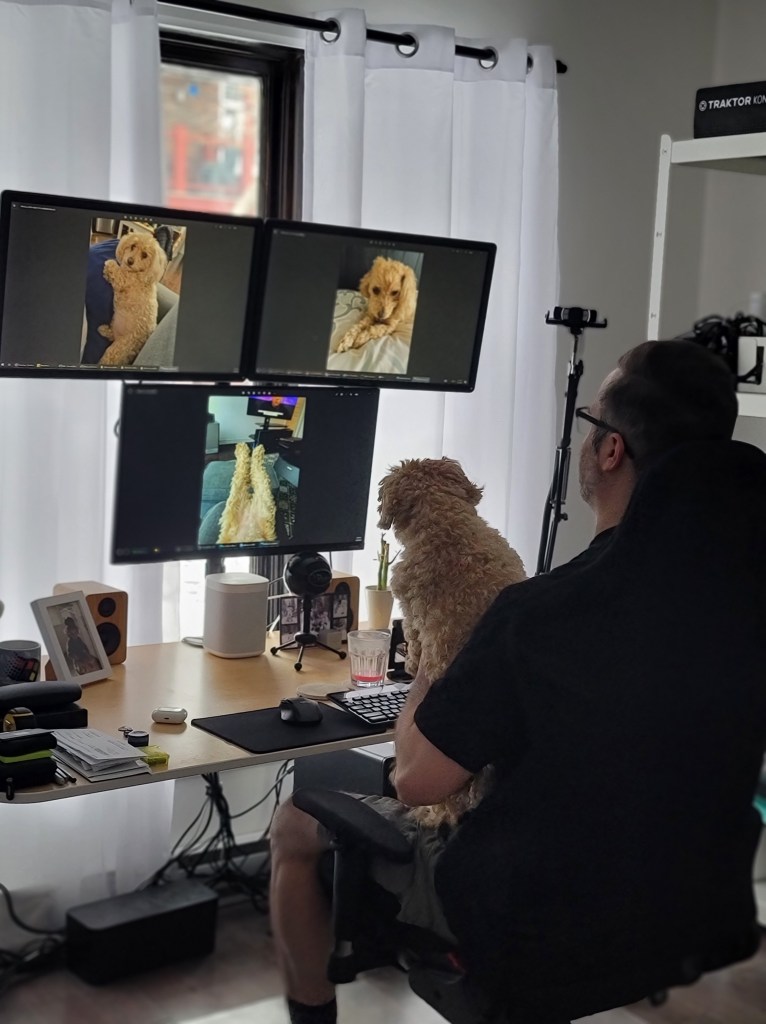
As you can see, the desk is full of clutter, there are NO other areas of my house that look like this. It’s just something I’ve tolerated, but I wanted to change that with the new setup. My friend and neighbor’s own home office setup inspired me. So, I would keep the chair and desk, but make it a “clean desk”
Related to screen choice, I wear glasses when I’m at my computer to reduce eye strain. As time has gone on, the pixel count and refresh rate on my mobile devices has surpassed my main screens.
For instance, my iPad 3rd pro I use to read in bed has 12.9″ screen with a 2,732 x 2,048 pixel (264 ppi) , 120 hz screen. My Samsung Galaxy Note 20 Ultra has a similar pixel / refresh rate. O fond reading on both of these devices easier on the eyes than a 1080p / 60 hz panel
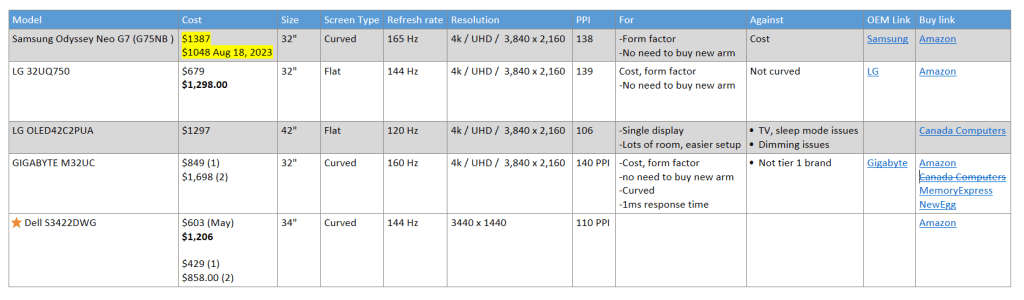
As such, I tracked prices/specs from May 2023, coming down to the below short list of, 3, the
LG 32UQ75
GIGABYTE M32UC
Dell S3422DWG
The screenshot of the table shows my criteria, I wanted to go to 4k , 120 hz or above, and a higher PPI. The third screen was mostly used for media, YouTube, Sonos home audio control, Spotify, but also provided a bit of privacy if I didn’t want to completely close my semi-sheer blinds
A boxing day sale came up for the Dell 34″ panel the last week of December 2023 on the return from my annual vacation to Florida to see my snowbird parents. I bought 2, then a dual monitor mount (Amazon link), and set everything up on Sunday January, 2024
Cleaning
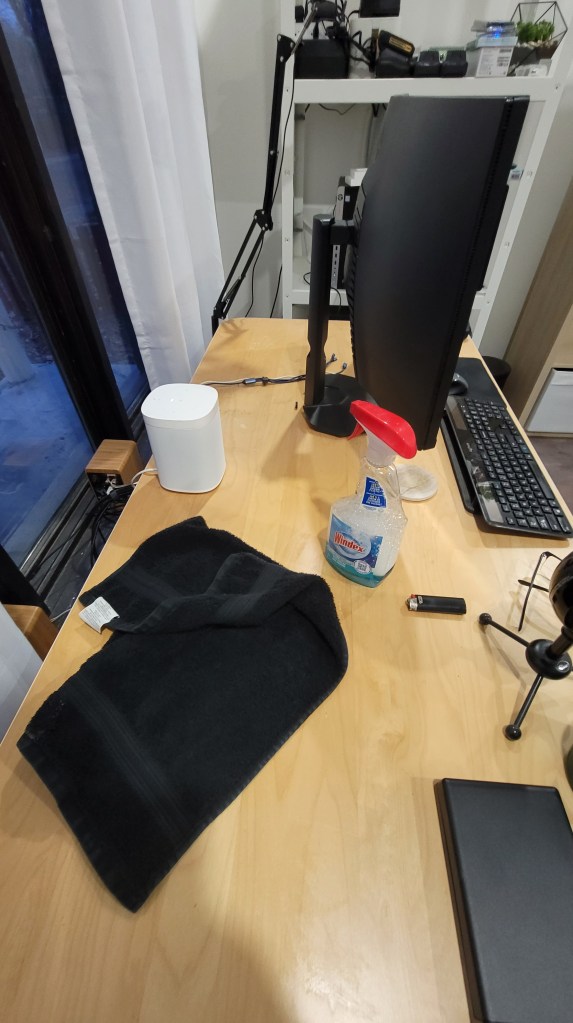
One monitor installed on the two arm mount
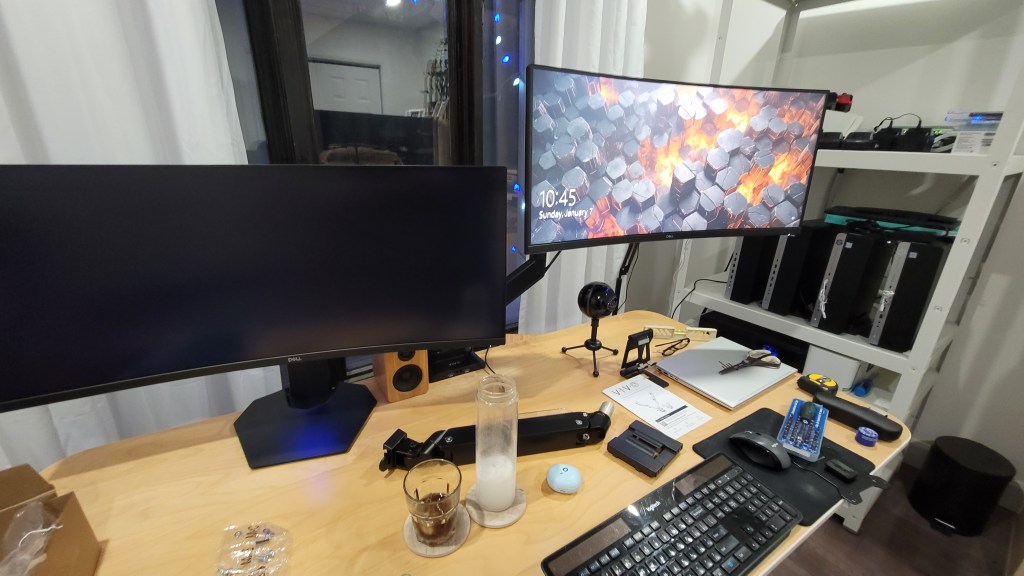
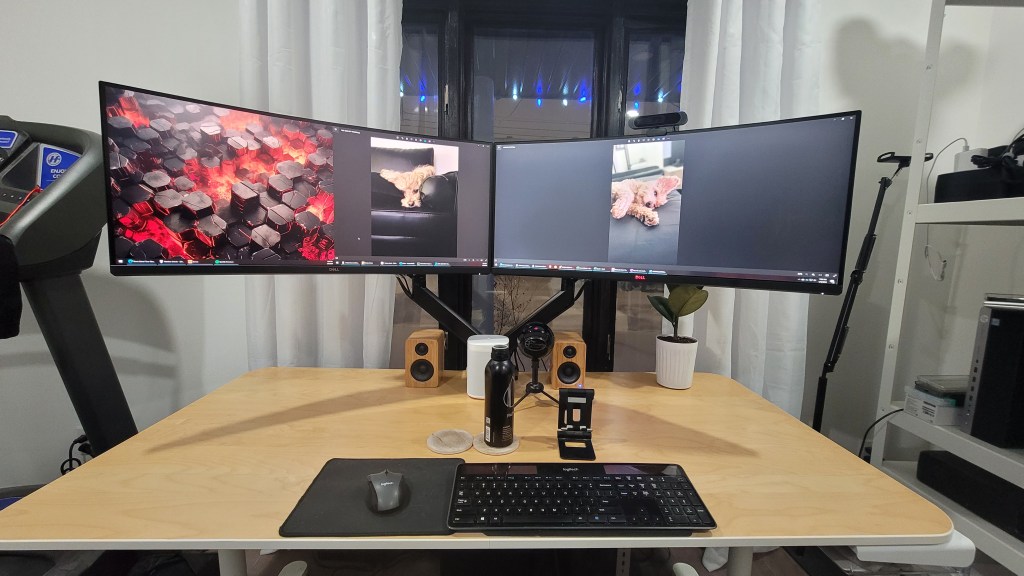
There are a few ways to install dual monitors, I favor a setup where the edges of the monitors edge up against each other, with as little gap as possible, as such:
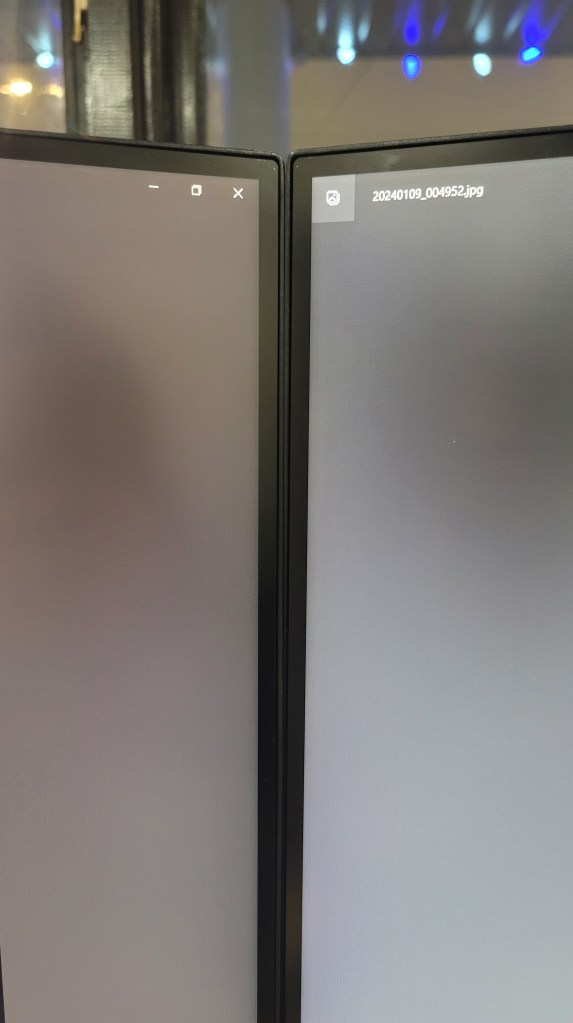
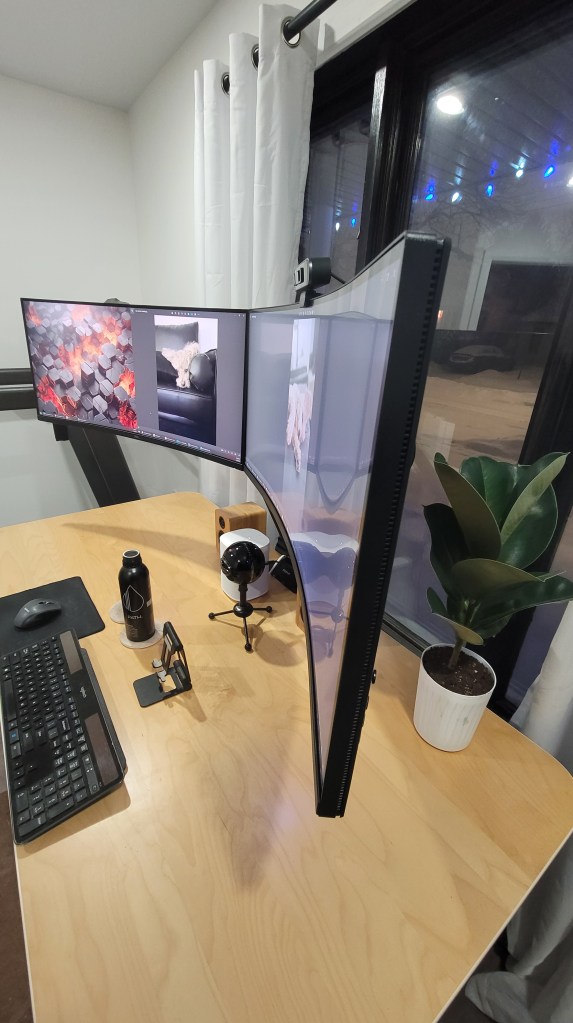
Side view of the orientation (I used a level to measure)
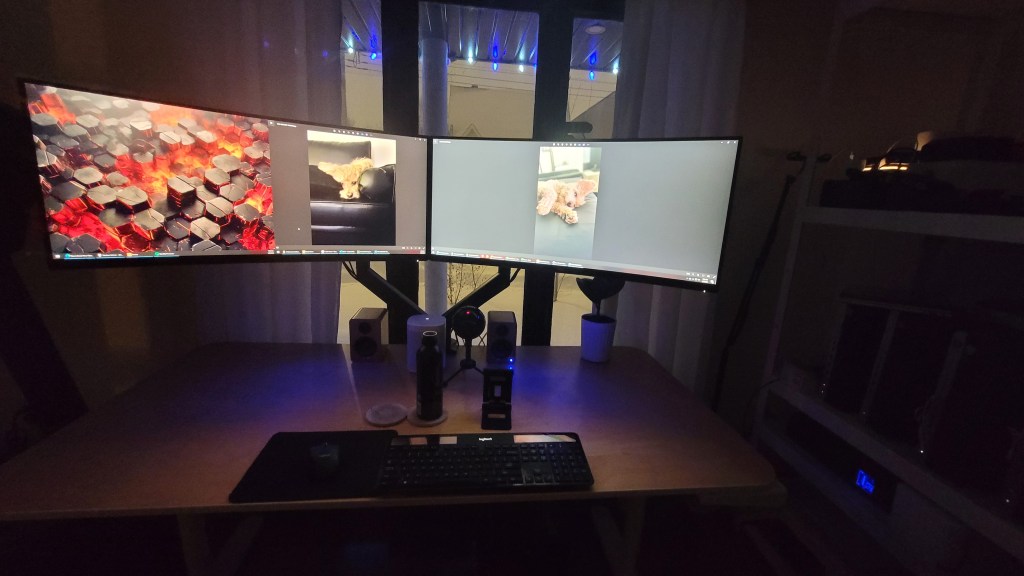
As you can see, my desk is now clutter free, I’ve just got my Blue Snow Ball Mic, Bamboo wood speakers, two coasters, plant, and a mouse a keyboard
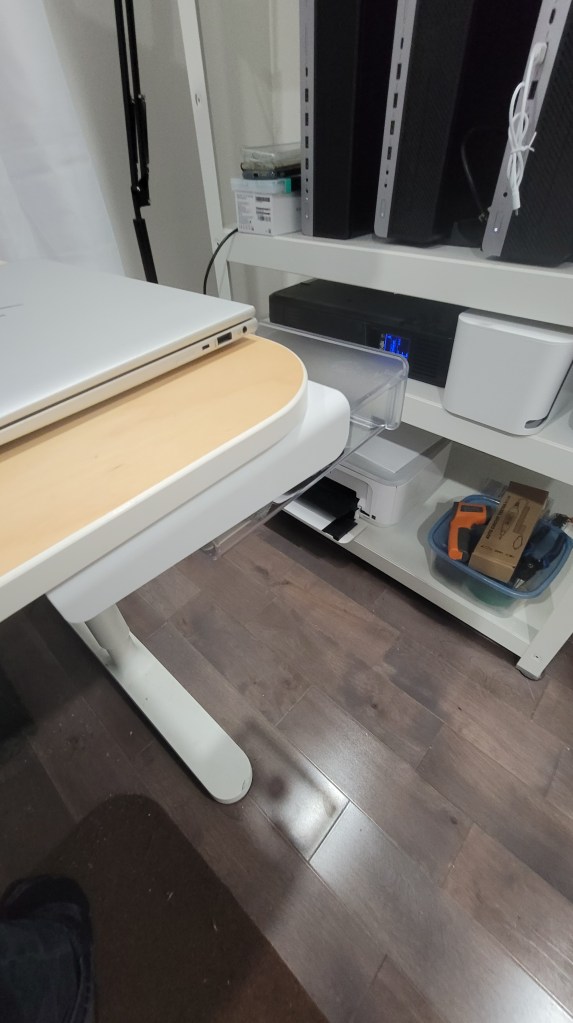
Other items I used to have ABOVE the desk are now in a small slide out tray on the right-hand side of the desk (Amazon link)
I’ve got two sets of spare LED lights from other projects, here’s a night shot, I’ll update the blog post when I’ve got the LED lights installed, which will look more sexier 😎😎😎
 Owen Reynolds Personal blog
One response to “Monitor upgrade for #2024”
[…] Depending on the category, I’ll add additional columns. Here’s a recent example that guided me on long-overdue monitor upgrade (see the following related blog post) […]
LikeLike