The title of this blog was an obvious lift from the mighty Patrick Kennedy blog ServeTheHome Server Storage and Networking Reviews
Check out the site or watch his related YT channel
INTRO
First, let’s start with some numbers
46 years old is my age as of Oct 2025
20 is the number of years I’ve been using desktop-based hardware for home lab
6 is the number of places I have lived, where It would have been NICE to have had a garage / shed / basement to store a loud & hot rack-mount server
As of July 2025, I’m FINALLY living in a rental that has a small garage. Not big enough for my vehicle, but certainly big enough for tools & rack-mountable things 🙂
You can read about my path from home ownership to rental here
Used Server Research & BOM
The goal here, was to consolidate my ESXi 8 setup from 5 units, to 3 which is as follows:
| Model | Count | Function | CPU | RAM |
| HP EliteDesk G3 SFF | 1 | DR | i5-6500 , 4 cores, no HT! | 32 GB |
| HP EliteDesk G4 | 3 | Prod | i7-8700 6 cores / 12 threads Total cores: 18 | 64 GB per host |
| HP EliteDesk G4 | 1 | TrueNas | i7-8700 , 6 cores / 12 threads | 32 |
The plan being to shift ALL workloads on the 3 x HP EliteDesk G4s to a single rack-mount server. As I’ve only got 18 cores for my ‘prod’ workloads, it was ez enough to find a server that not only MET this core requirement, but exceeded the count. Why not plan for the future ?
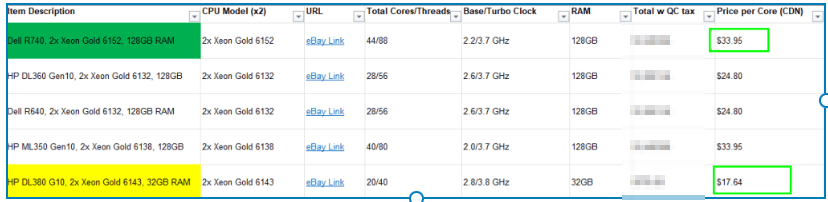
I spent some time in October 2025 searching around eBay, for the perfect server, and came up with the below table to reduce the number of choices for US and Canada sellers
I ended up with the below from a seller Toronto, Canada seller, thanks Marvi Canada!
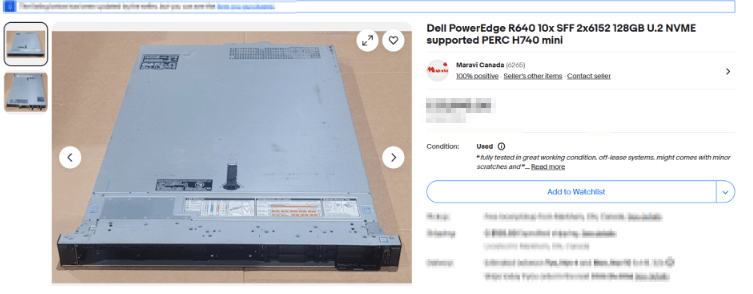
The full specs for the great silver beast were as follows:
- Dell PowerEdge R640 10SFF
- 2x Intel Xeon Gold 6152 2.10GHz 22 Core = 44 Cores
- Standard Fans
- 8 x 16 GB = 128 GB DDR4 PC4 2666MHz RDIMM ; with 16 free slots for MOAR RAM
- Dell PERC H740p 4GB Cache Mini Mono RAID Controller
- BOSS Card ; boot optimized storage card, best IT acronym ever
- Intel X520/I350 2х10Gb SFP+
- Intel 2x1Gb BASE-T (C63DV)
- Remote Administration via iDRAC9 w license
- TPM 2.0 included ; this was actually missed in the original shipment, so I had the shipper send after I found it was missing
- 2x DELL 750W for Gen Rx13/14 PSU
- 8x U.2 caddies and related U.2 cables to connect the drives
- 1x 250 GB SSD ; to install ESXi on
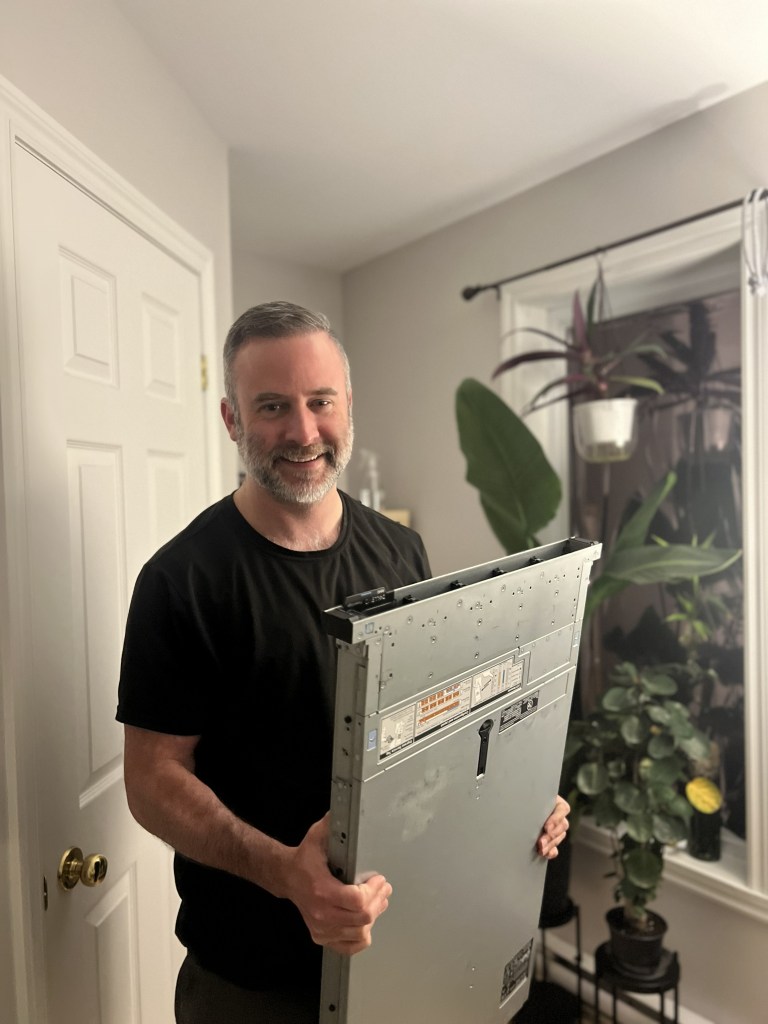
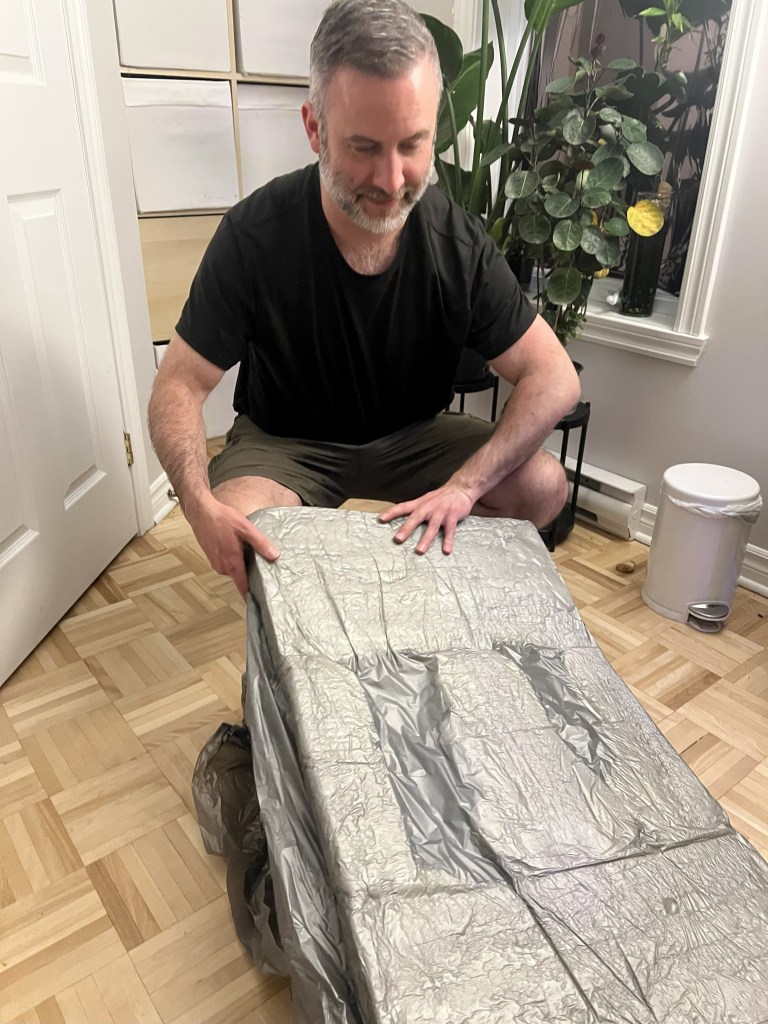
Oct 26., 2025, silver beast arrives! I’m a happy camper, my GF Lindsey was in from Florida to visit me, and I promised her, I would not disappear down to the garage to tinker with it. Though, she take some pix of me un-boxing it. I’m a happy camper 🙂
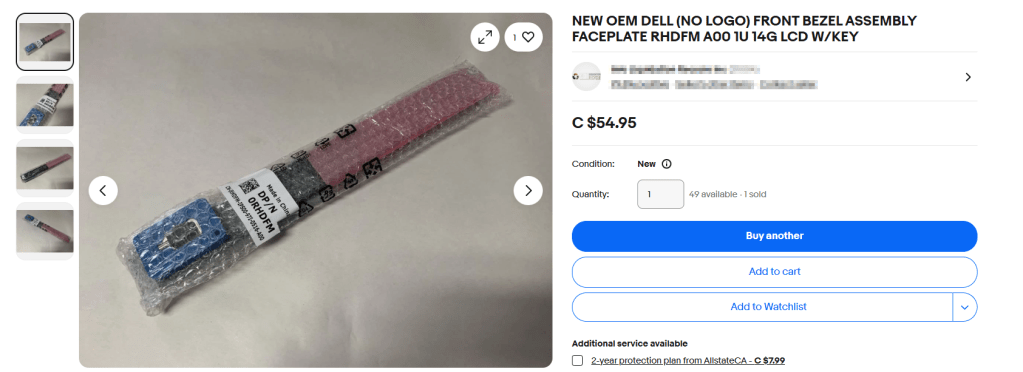
Upon inspection, I did note something was missing! THE FRONT PANEL!! I checked the original ebay listing, sure enough, not listed! My bad, no bother, I found a seller in Quebec and ordered a nice LCD panel compatible with the R640. Once it arrived, I installed it, and used the panel to set an iDrac IP so I could move the server down it’s final destination in the garage
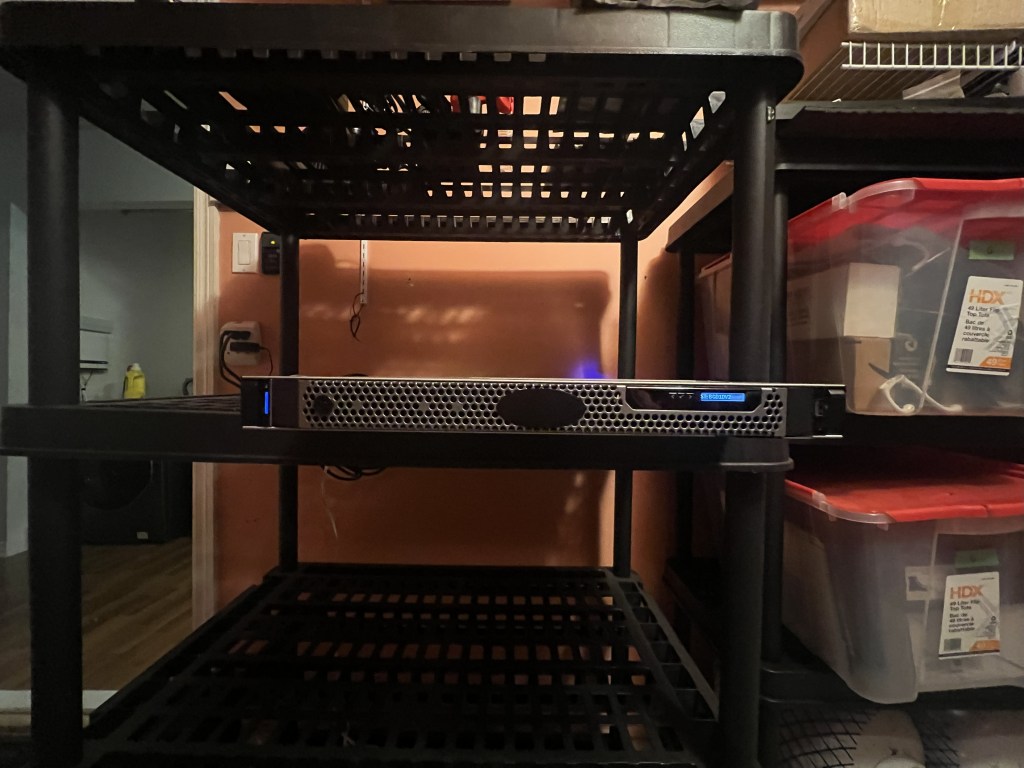
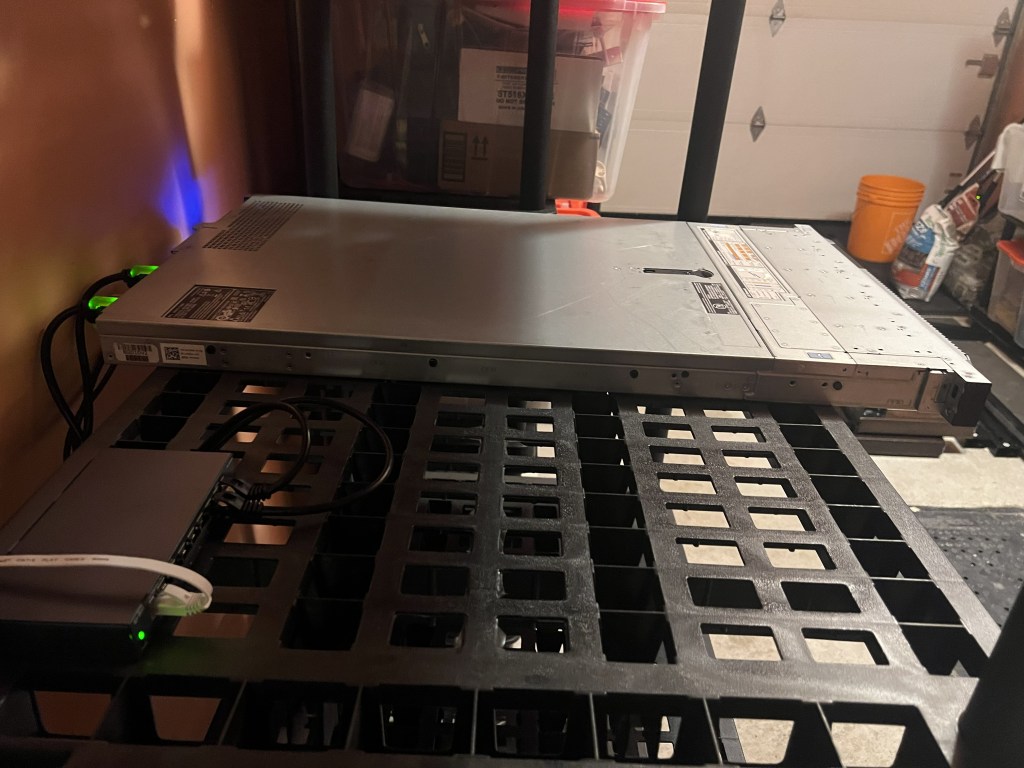
iDrac enabled, down the attached garage she goes!
The unit also came without a TPM 2.0 chip ; a pre-req for Windows 11 ; so, I got one from the eBay seller, and added one. Installing the unit inside the server is just step 1. The TPM chip won’t be detected if you leave the default BIOS settings, ESXi won’t detect it, and you won’t be able to install any OSs that have TPM hardware chips as a pre-req; Win 11 as being a common example from the last few years. You’d want to adjust the below based on your server OEM (HPE, Lenovo, etc).
TPM Security = On
TPM Hierarchy = Enabled
As well, set SECURE BOOT = ENABLED where you see it

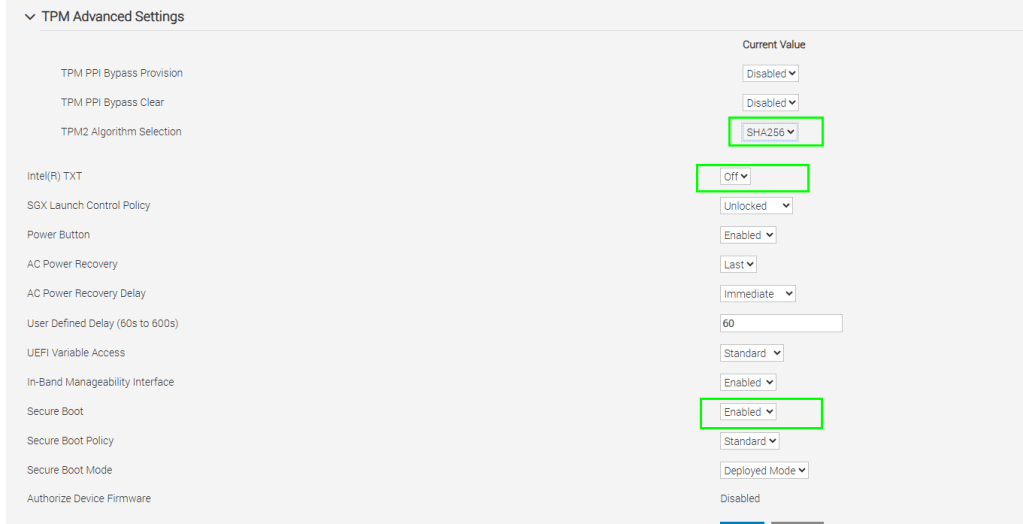
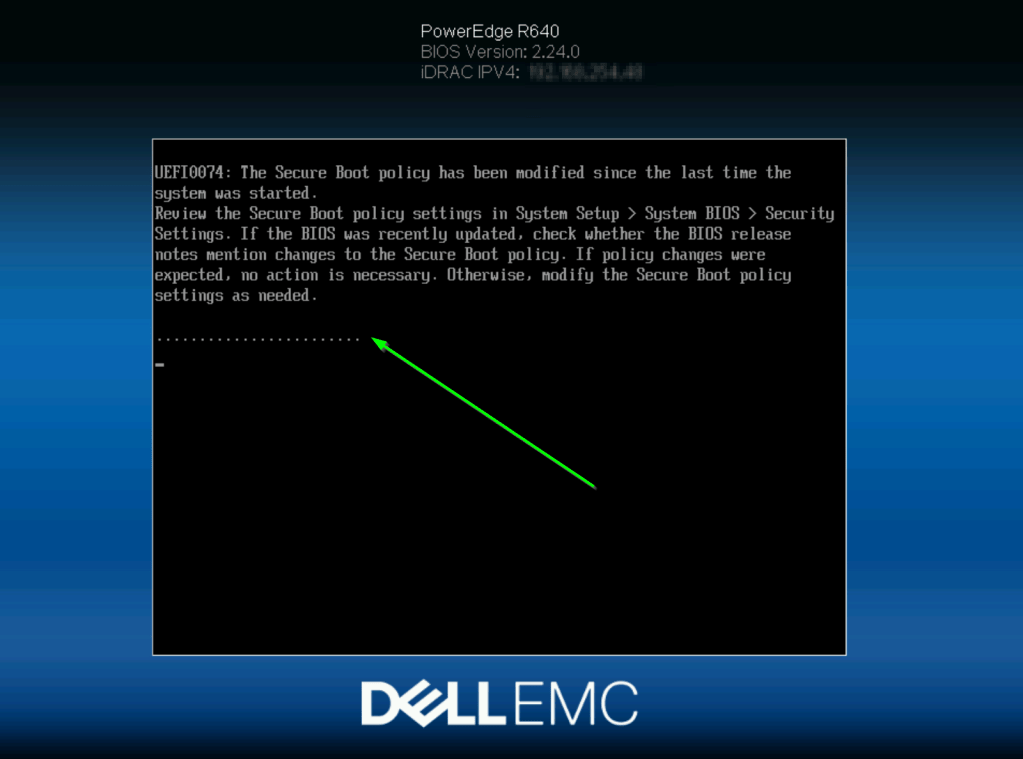
With those settings in place, you’ll get a message such as the following on the next boot
ESXi install
I fired up Dell iDrac, and made some basic changed to power settings to cover my needs
I mounted the latest ESXi 8.0.3 U Dell custom ISO and got the party started
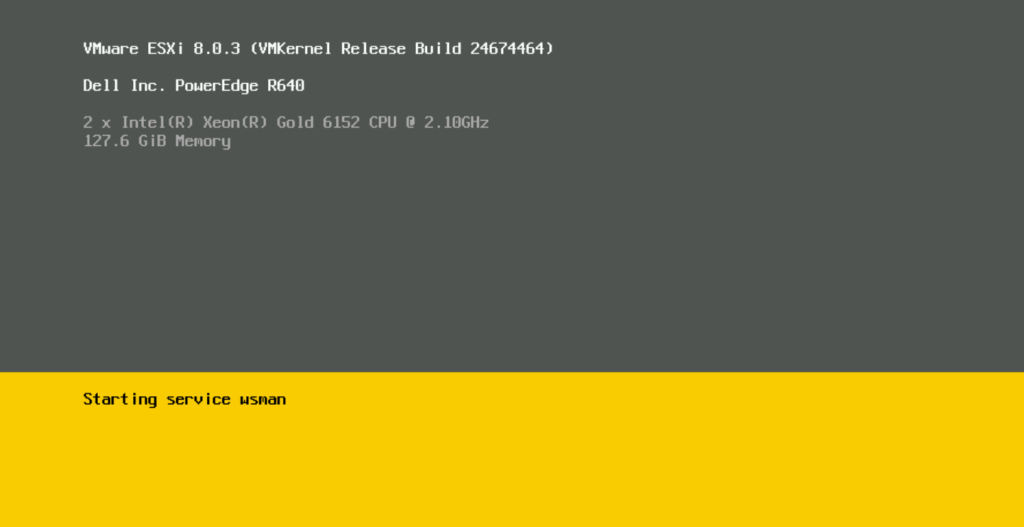
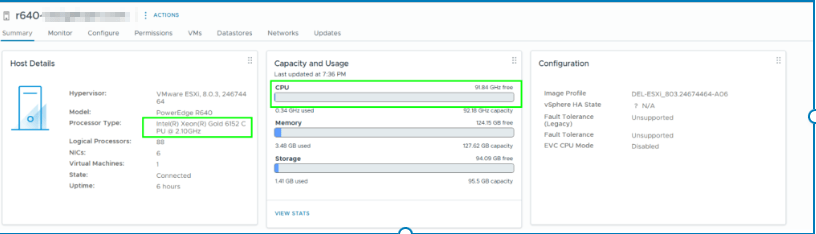
With the install done, I then added the server to my existing vCenter 8 inventory, on it’s own cluster. For now, I’ve just got the one Dell R640, but I will look at getting another next year
To validate that your TPM chip is detected within ESXi, do the folllowing
SSH into the host and run the following:
esxcli hardware trustedboot get

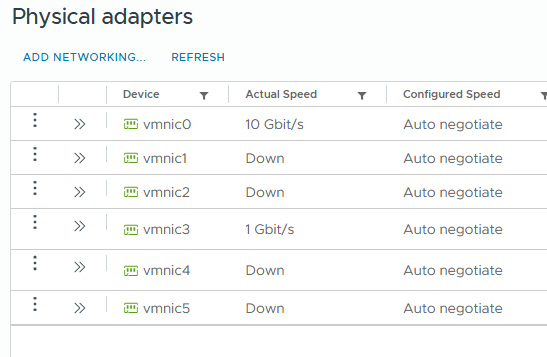
10G migration temp setup
To cover faster migration of VMs from my existing 3 mode cluster to the new stand-alone Dell R640, I hooked up a long network cable from my upstairs office to the garage where the silver beast resides. No pix of that, as I hate seeing cables, so, i’m not gonna show the temp setup 😉
Benchmarking
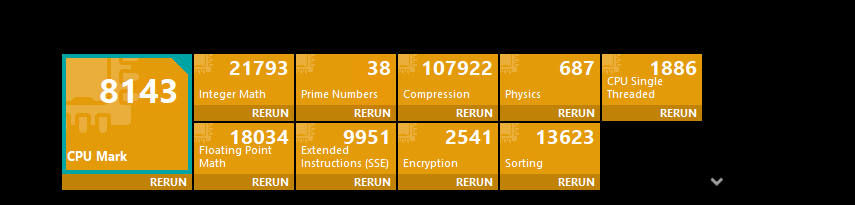
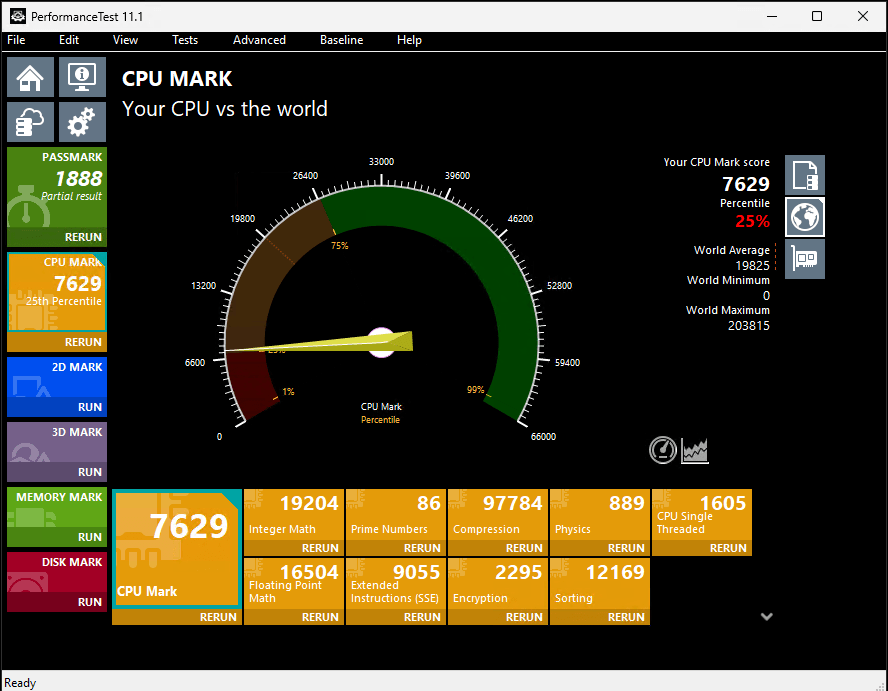
I used PassMark > CPU tests to capture the single VM CPU performance
This was on a clean Win 11 install, 6 vCPU assigned on one of my existing HP EliteDesk G3 SFFs that are backed by Intel i7-8700 (Coffee lake) CPUs. This represents a 1:1 vCPU to pCPU ratio
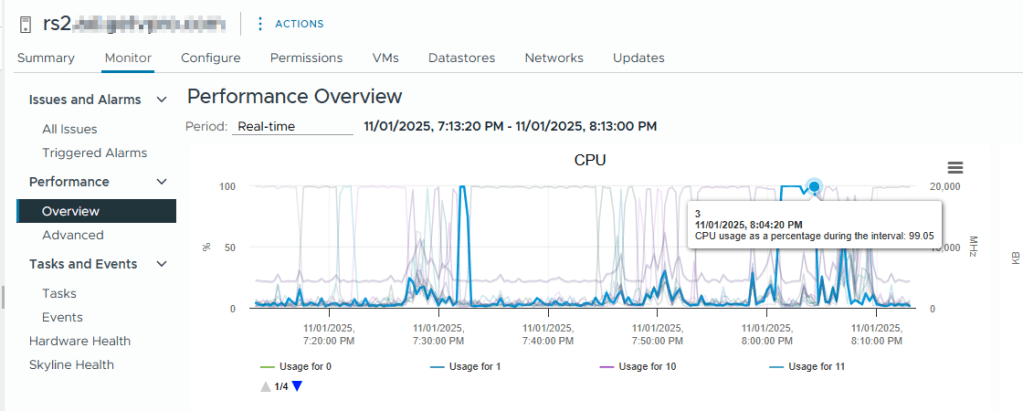
Checking the related ESXi host, the physical CPU was pegged at 99%
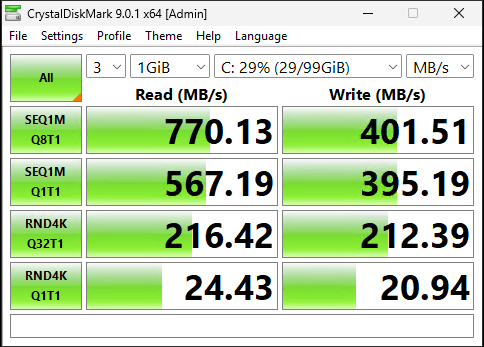
And the Crystal Disk mark result, more to test the storage, however, I/O requests can sometimes be CPU bound , so, let’s capture it
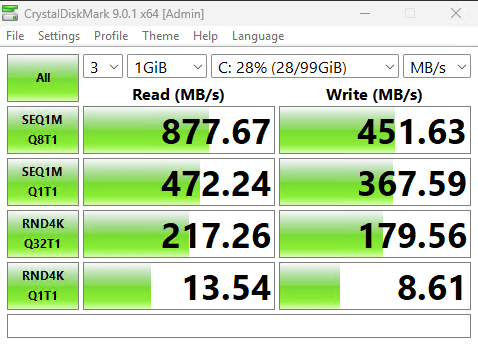
As all my ESXi hosts are connected to TrueNAS via ISCSI / 10 GB, it was easy to re-run the tests on the R640 aka ‘the silver beast’
I powered off the VM, and kept the vCPU count the same at 6 vCPU
I’ve got the new Dell R640 in it’s own cluster, so the vMotion was done cold
With the VM powered on the new host, I re-ran Crystal Disk mark, similar results, no surprises there
Re-running the PassMark with 6 vCPUs was similar as well, time to ramp things up, the R640 I bought is a 2x socket Intel Xeon Gold 6152 22 core config, so 44 cores. LOTS OF ROOM 4 FUN
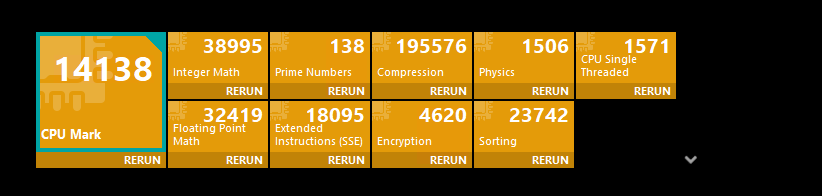
I doubled to 12 vCPUs. Which resulted in approx double the PassMark score is noted with 12 vCPU
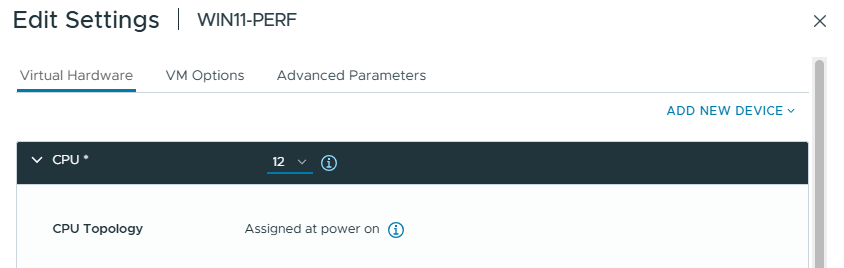
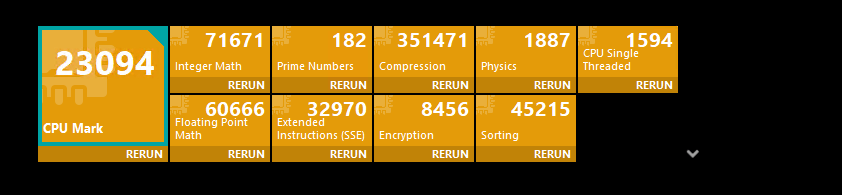
Let’s go to the max vCPUs available on one socket @ 22! At 22 total cores, we won’t run into NUMA monkey business
@ 22 vCPUs
That’s it for now, I’ll update the blog post as I move more workloads to it, and start to power off / sell my existing HPE business desktop-based home lab kit
Some related blog posts from 2023 and 2022 on that topic are below
Home lab 2022 update – house edition – Owen Reynolds Personal blog
 Owen Reynolds Personal blog